Security headers for websites: a practical CSP rollout
Back
Content Security Policy is one of the few headers that can materially limit the damage after an XSS incident or a compromised widget. But it only works when it matches the real stack. On service websites, CMS-driven pages, and web apps with analytics, maps, chat widgets, and embeds, the policy should come from an inventory — not from a copied template.
Google Search Central’s people-first guidance translates surprisingly well to security work: the goal is not to tick a box. Security should protect people without breaking editing workflows, performance, or the page structure.
Why security headers matter for modern websites
CSP tells the browser which sources are allowed to load or execute. The MDN implementation guide describes a strict policy as a strong mitigation for XSS and recommends nonce- or hash-based directives. If embeds are not essential, `object-src 'none'` is a good default.
For marketing and service sites, the value is operational as much as technical. A clean CSP makes third-party dependencies visible. Teams can see which widgets are truly necessary, where inline scripts still live, and which legacy workarounds are only there because nobody has touched them in years.

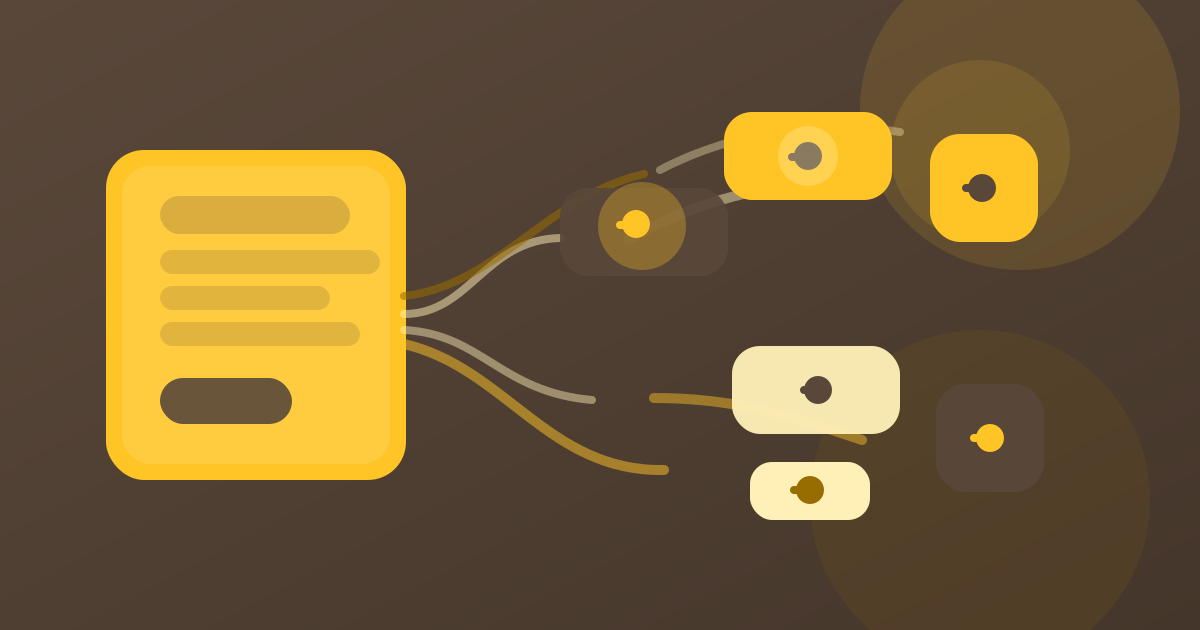
The diagram shows how a policy narrows the allowed path.
Nonce or hash: choosing the right fit
Nonce-based CSP is usually the easier fit when the server can generate a fresh token per response and inject it into both the header and the allowed script tags. Hash-based CSP works well when the page is mostly static and scripts only change on deploy. In that setup, the browser checks the exact inline script content against the hash in the policy.
The choice is less about ideology and more about stack shape. If content changes every request, nonces reduce friction. If the code is build-controlled and static, hashes are predictable. In either case, `unsafe-inline` should stay a last-resort exception, not the default state.
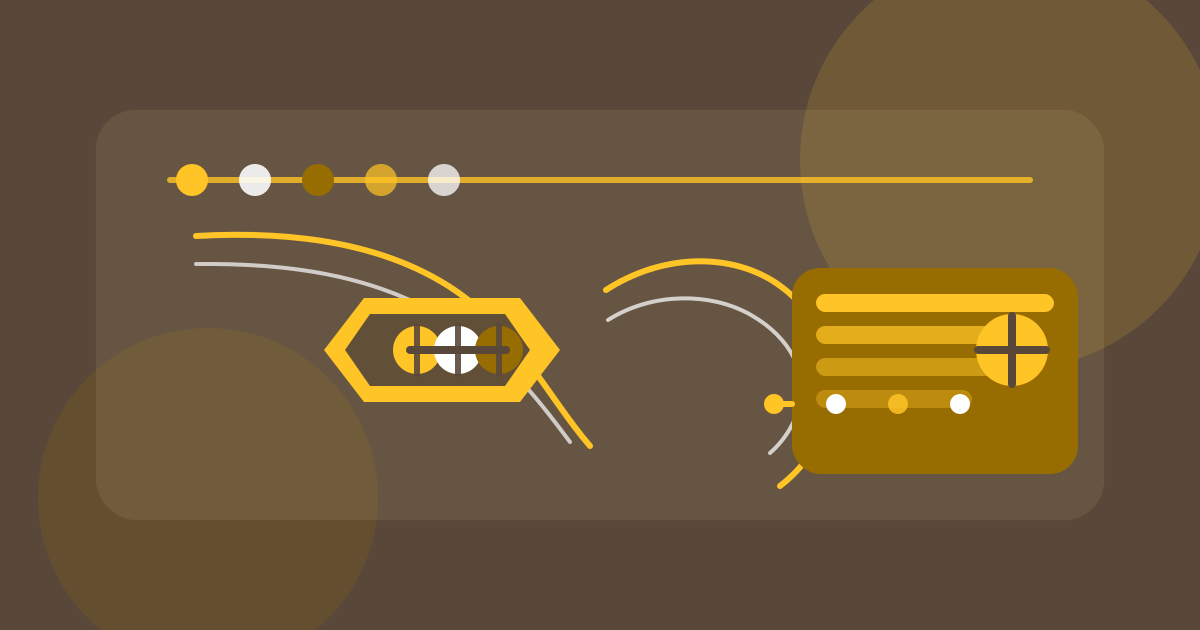
The right choice depends on templating and deploy cadence.
A rollout that does not break the site
• Audit scripts, styles, images, frames, forms, and API connections.
• Start with `Content-Security-Policy-Report-Only` and collect violations before enforcement.
• Tighten `script-src`, `style-src`, `object-src`, `frame-ancestors`, `connect-src`, and `form-action` step by step.
• Test analytics, consent tools, maps, chat, and payment flows after each change.
• Keep the policy in the release checklist, not in one-off memory.
A staged rollout matters because CSP issues usually show up in the places teams forget to test: inline snippets, embedded widgets, old payment paths, or CMS-generated templates. Report-Only gives you evidence before you enforce anything.

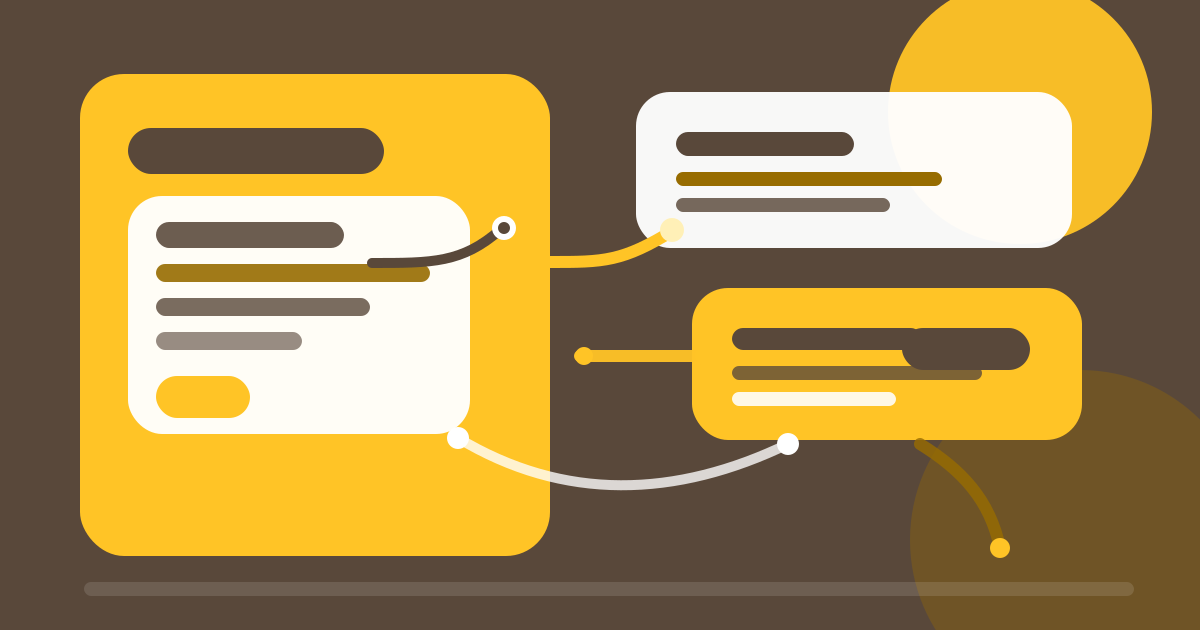
A report-only phase keeps the rollout controllable.
Common mistakes
• Leaving `unsafe-inline` in place forever because removing it feels risky.
• Whitelisting every domain that was ever used for an asset.
• Forgetting `frame-ancestors` and leaving clickjacking protection incomplete.
• Tightening `connect-src` without re-testing forms or API calls.
Another common mistake is treating CSP as a developer-only task. On CMS-heavy sites, editors, consent managers, and release workflows all affect whether the policy stays maintainable. The best policy is the one a team can actually keep current.
Sources and further reading
Google Search Central: Creating Helpful, Reliable, People-First Content
MDN: Content Security Policy (implementation guide)
OWASP: Content Security Policy Cheat Sheet
CSP is defense in depth, not a replacement for correct encoding, dependency hygiene, or code review. That is exactly why it is so useful on modern front ends: it narrows the attack surface where third-party integrations, CMS building blocks, and custom templates all meet.
If you want to review security headers, CMS templates, and release workflows together, that is an architecture topic — not a one-line fix.
FAQ
Frequently asked questions about Content Security Policy
If you want to review security headers, CMS templates, and release workflows together, start with an architecture review.
See ConsultingOur blogs