
Internal linking for SEO: how service websites become easier to crawl
Back
Internal linking is not just a technical afterthought. On service websites, it helps people and search engines understand which pages belong together and which pages matter most. Google Search Central’s people-first guidance is a useful reminder: build for people first.
Strong internal links help a reader take the next sensible step. They also help crawlers understand structure, relevance, and context. The real question is not whether a site needs links. The question is whether the links connect the content or only decorate the navigation.
Why internal linking is more than navigation
Menus, footers, and breadcrumbs are only the visible shell. Internal linking becomes genuinely useful when body copy connects the right pages: a service page to a deeper explainer, a guide to a consulting offer, an FAQ to a concrete solution.
If a site relies only on the header and footer, it may still be crawlable, but it remains editorially thin. Good link structure links ideas together instead of just listing pages.
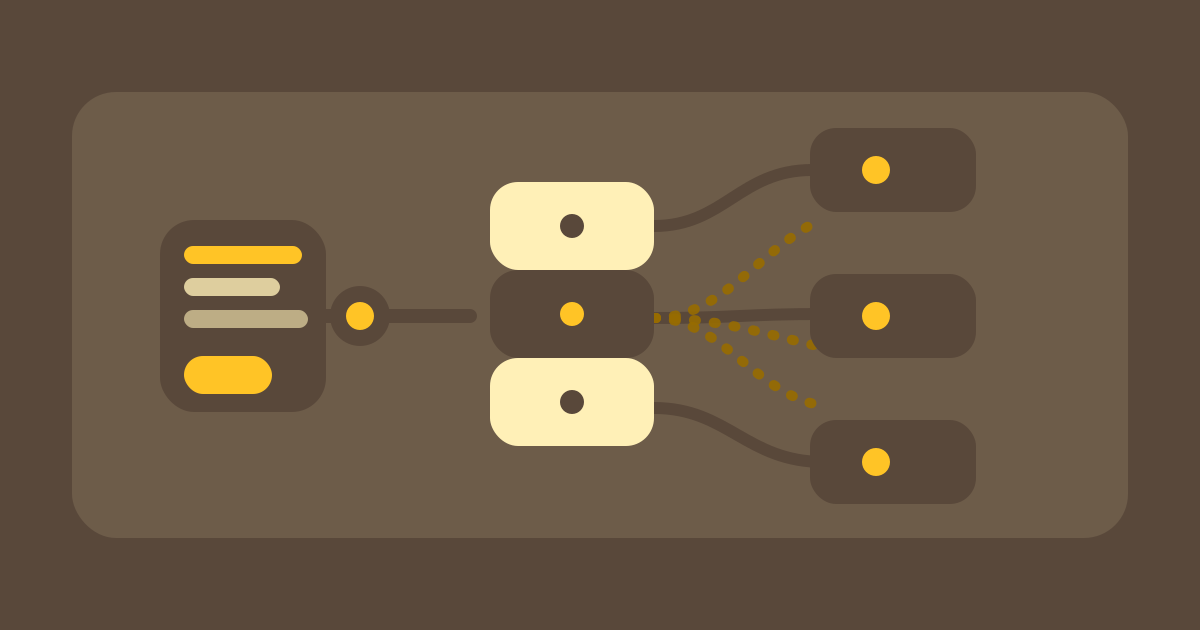
The diagram shows how one pillar page connects the most important pages.
Which pages should get links first
Start with the pages that drive revenue, trust, or decisions: core services, important landing pages, contact, pricing, references, and the strongest supporting articles. Those pages should not only be discoverable from the outside; they should also be reachable from the other relevant pages on the site.
Then work on supporting content: FAQs, case studies, glossary entries, or closely related blog posts. They add context and make the central page more credible.
Also look for orphan pages. If a page is never linked from anywhere else, it is usually much harder for readers and crawlers to use than it should be.
Anchor text: specific, but natural
Good anchor text tells a reader what to expect when they click. Words like “here,” “more,” or “read more” rarely help. Better choices are short, specific phrases that make the value or topic of the destination page visible.
This is not about forcing the same keyword into every link. Good internal linking depends on variation and context. The same destination can be linked once with a product term and another time with a more descriptive phrase.
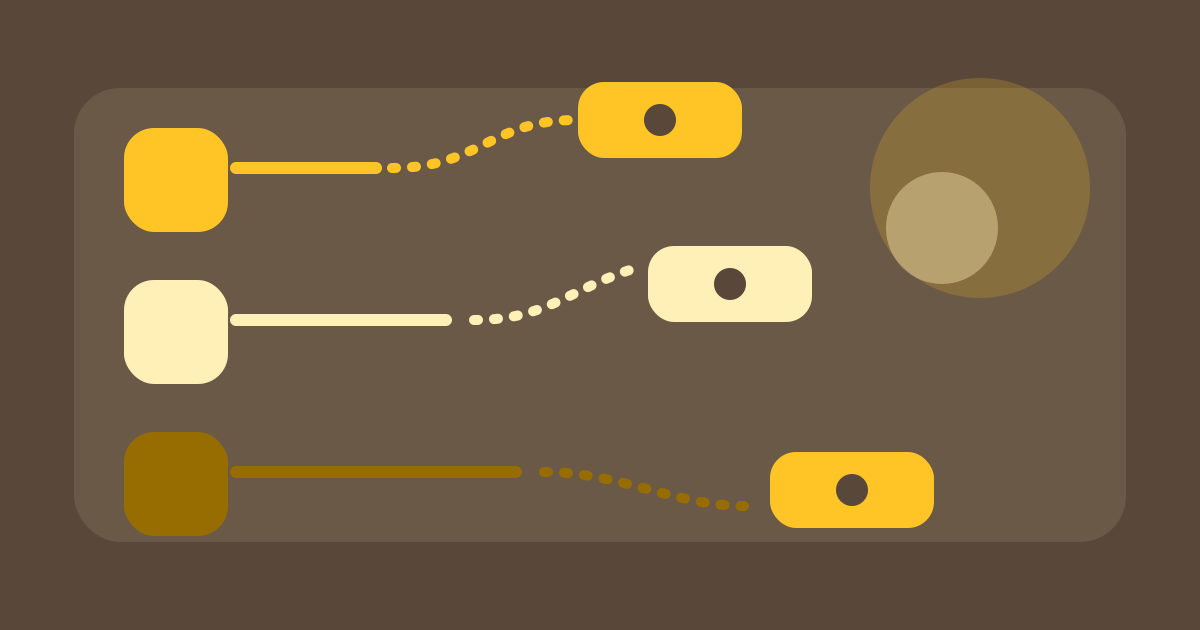
The lines distinguish clear, descriptive, and weaker link paths.
A practical rollout for CMS teams
Start with a link audit: which pages are important, where are the gaps, and which pages are already overlinked? Then map three layers: primary pages, supporting content, and repeatable cross-links.
The next step is editorial, not just technical. Add new links while you write or revise content instead of forcing them in later. That keeps the links meaningful in context.
Finish with a maintenance routine: check monthly whether new content has been connected, whether anchors still fit, and whether important pages are drifting too deep into the site.
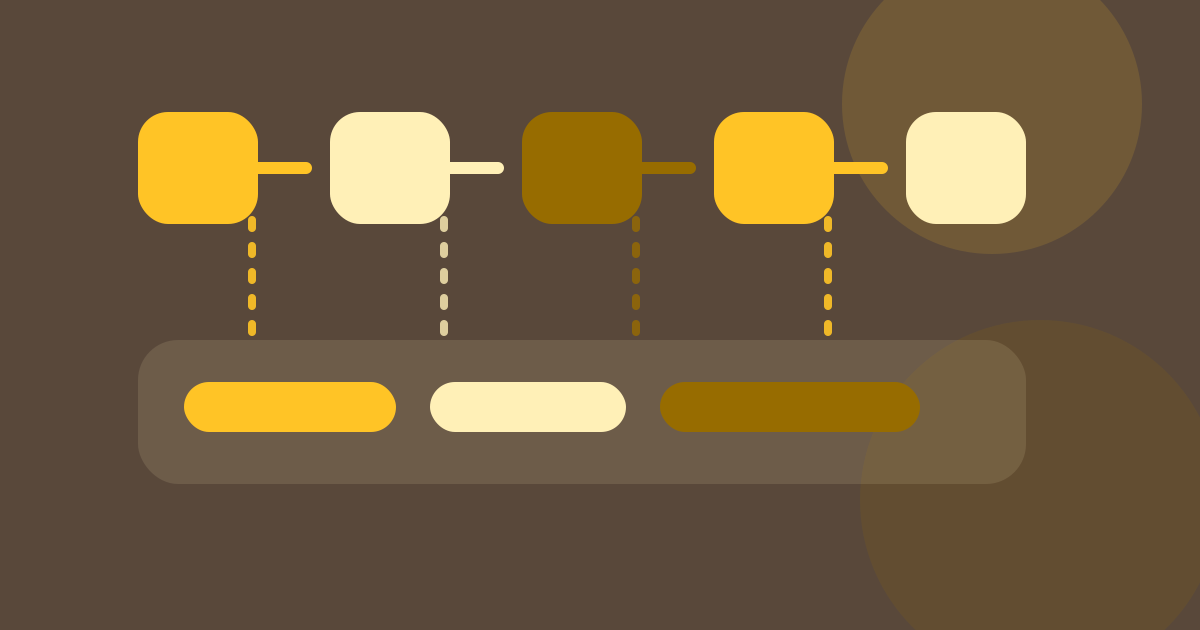
The sequence turns link maintenance into a repeatable editorial process.
Common mistakes
• Hiding important pages in the footer instead of linking them contextually.
• Repeating the same anchor text until every link sounds artificial.
• Publishing new content without folding it into existing clusters.
• Loading links only with JavaScript and weakening the editorial context.
When internal linking works better, the site becomes easier to crawl and easier to maintain. Content, priorities, and updates start to support each other instead of drifting apart.
What to measure
Focus less on a magic number and more on usefulness: do visitors get to the next relevant page faster, do important pages get more internal traffic, and do new articles avoid becoming isolated? Search Console, internal reports, and a simple content audit can answer those questions.
For DACH teams with multilingual sites, this matters even more. Internal linking can help German and English content support each other without blending the language versions together.
Sources and further reading
Google Search Central: Creating Helpful, Reliable, People-First Content